

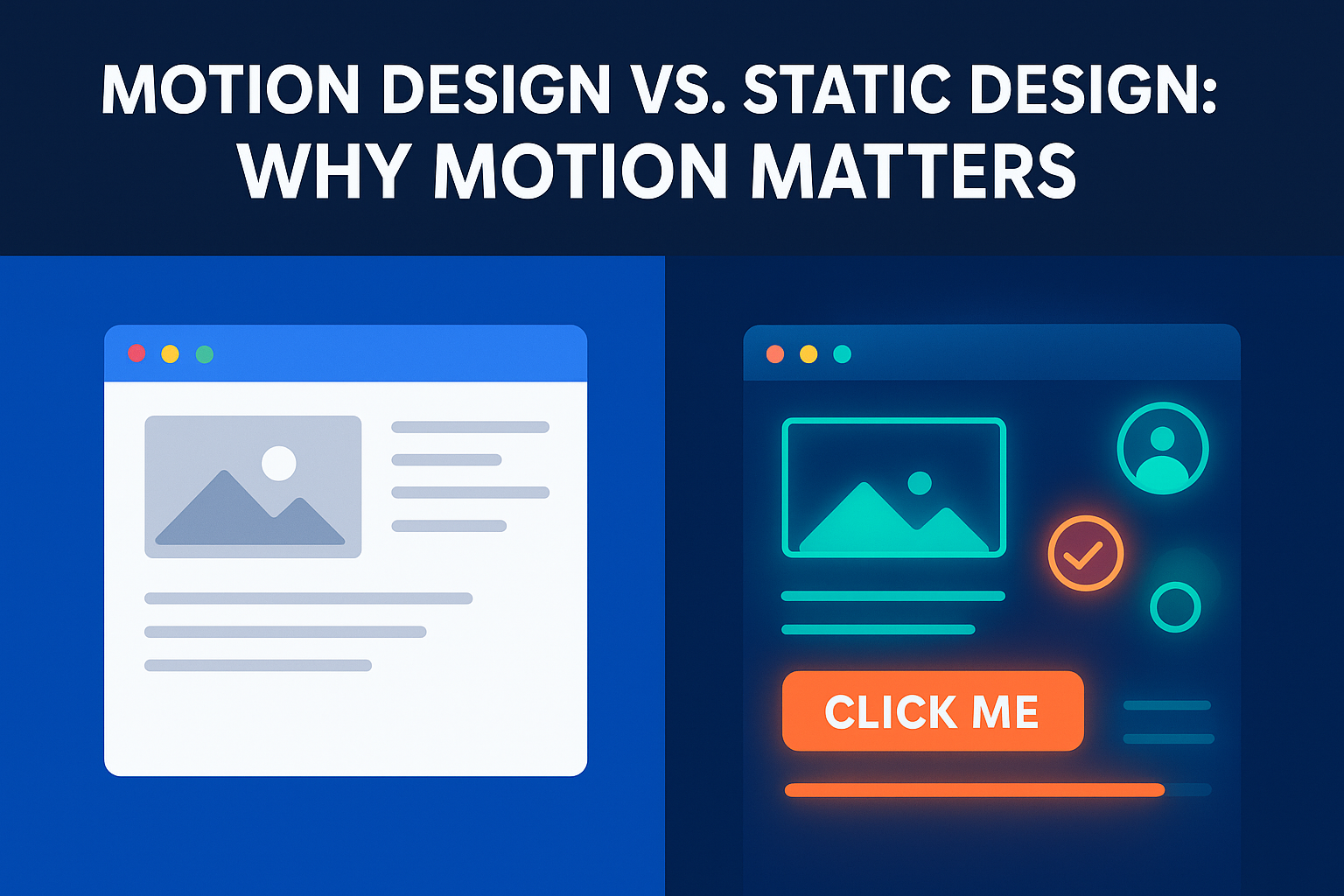
Motion Design vs. Static Design: Why Motion Matters
In today’s digital world, where first impressions can make or break user engagement, design is more than just aesthetics; it’s about communication and interaction. Two core approaches often come up in web and app projects: static design and motion design. Both have their place, but motion is rapidly becoming the differentiator that elevates user experience (UX).
If you’re exploring whether to work with one of the best website design companies or an app design company, understanding how motion compares to static design is critical. Let’s dive into the details.
What Is Static Design?
Static design refers to traditional, fixed visuals, images, layouts, typography, and icons that don’t move. It’s essentially the backbone of most websites and apps. Think of static banners, product photos, or even a clean grid-based portfolio page. Static design has been around since the earliest days of the internet, and it still plays a crucial role in delivering clarity, simplicity, and performance.When Static Design Works Well
Static design shines in several contexts:- Content-Heavy Websites: News portals, blogs, and academic sites benefit from still visuals where the focus is purely on text and information.
- Simple Functional Websites: Landing pages or single-purpose websites (like resumes or event invites) can often do without complex animations.
- Performance-Critical Applications: In environments where speed is everything, such as financial dashboards or healthcare portals, static design avoids unnecessary load times.
Key Benefits of Static Design
- Simplicity: Straightforward to design and implement.
- Faster Loading: Reduces performance strain and enhances SEO.
- Predictability: Users can instantly access content without distractions.
- Accessibility: Static content is often easier for assistive technologies to interpret.
What Is Motion Design?
Motion design, on the other hand, adds life to visuals. It’s the art of using movement, animations, transitions, micro-interactions, and dynamic feedback to guide, inform, and engage users. For example, when a button gently expands after being clicked, or when a progress bar animates to show task completion, that’s motion design at work. Many leading app design company are now embedding motion directly into their UX strategy.How Motion Design Enhances UX
Motion isn’t just “eye candy.” It serves a purpose:- Guidance: Motion directs attention, showing users where to look next.
- Feedback: Users see confirmation that their action, like tapping “Submit”, was successful.
- Narrative: Motion helps tell a story, making brand experiences memorable.
Key Benefits of Motion Design
- Enhanced Engagement: Motion keeps users interested longer. According to HubSpot, websites with engaging visuals have been found to increase session duration by up to 60%.
- Improved Understanding: Motion simplifies complex actions, like onboarding flows or multi-step checkouts.
- Stronger Emotional Connection: Human brains are wired to respond to movement, making designs more relatable and memorable.
Comparing Motion Design and Static Design
User Engagement
Static design holds attention briefly, while motion creates a more immersive journey.Feedback and Responsiveness
Static visuals can confirm actions only with static cues (like a color change). Motion design offers smoother, clearer responses, like loading spinners or animated checkmarks.Navigation and Guidance
Static design relies heavily on hierarchy and layout. Motion design enhances wayfinding by visually pointing users in the right direction.Explaining Complex Actions
Static infographics work, but animations can break down difficult concepts step by step. Emotional Connection While static visuals can be elegant, motion adds personality, think playful animations that align with branding.When to Use Static Design
- Content-Heavy Websites: News, e-learning, or research-focused platforms.
- Simple Functional Websites: Campaign-specific microsites or event invites.
- Performance-Critical Applications: Finance or healthcare dashboards where speed matters more than visuals.
When to Use Motion Design
- Interactive Applications: Apps that rely on high user interaction, like e-commerce or productivity tools.
- User Onboarding and Tutorials: Motion helps new users understand features faster.
- Mobile and App Design: Since screens are smaller, motion provides guidance without text clutter.
- Storytelling and Branding: Motion elevates brand identity with personality, creativity, and emotion.
Best Practices for Implementing Motion Design
Keep It Purposeful
Every animation should serve a role, whether guiding users, confirming actions, or enhancing storytelling.Focus on Performance
Heavy motion can slow load times. Optimize assets and test for smooth playback.Respect Accessibility
Provide options to disable animations for users with motion sensitivity.Consistency Is Key
Ensure motion follows a cohesive style across the platform, reinforcing brand identity.Incorporating Motion Design into Your Workflow
- Start with Motion in the Planning Stage: Don’t treat motion as an afterthought; bake it into design concepts early.
- Prototype Motion to Validate Concepts: Tools like Figma or After Effects help visualize animations before coding.
- Collaborate with Developers Early: Ensure the technical feasibility of animations across devices.
- Optimize for Performance: Use lightweight formats like Lottie to deliver animations efficiently.
- Test for Usability and Accessibility: Confirm that motion adds value rather than distraction.
Future Trends in Motion Design
- Interactive 3D Animations: Expect more immersive 3D experiences in websites and apps.
- AI-Powered Animations: AI will generate adaptive animations that respond to user behavior in real time.
- Personalized Motion: Animations tailored to individual user preferences will create hyper-relevant experiences.
- Micro-Interactions in Voice User Interfaces (VUIs): As voice assistants grow, subtle visual cues will make voice interactions feel more natural.