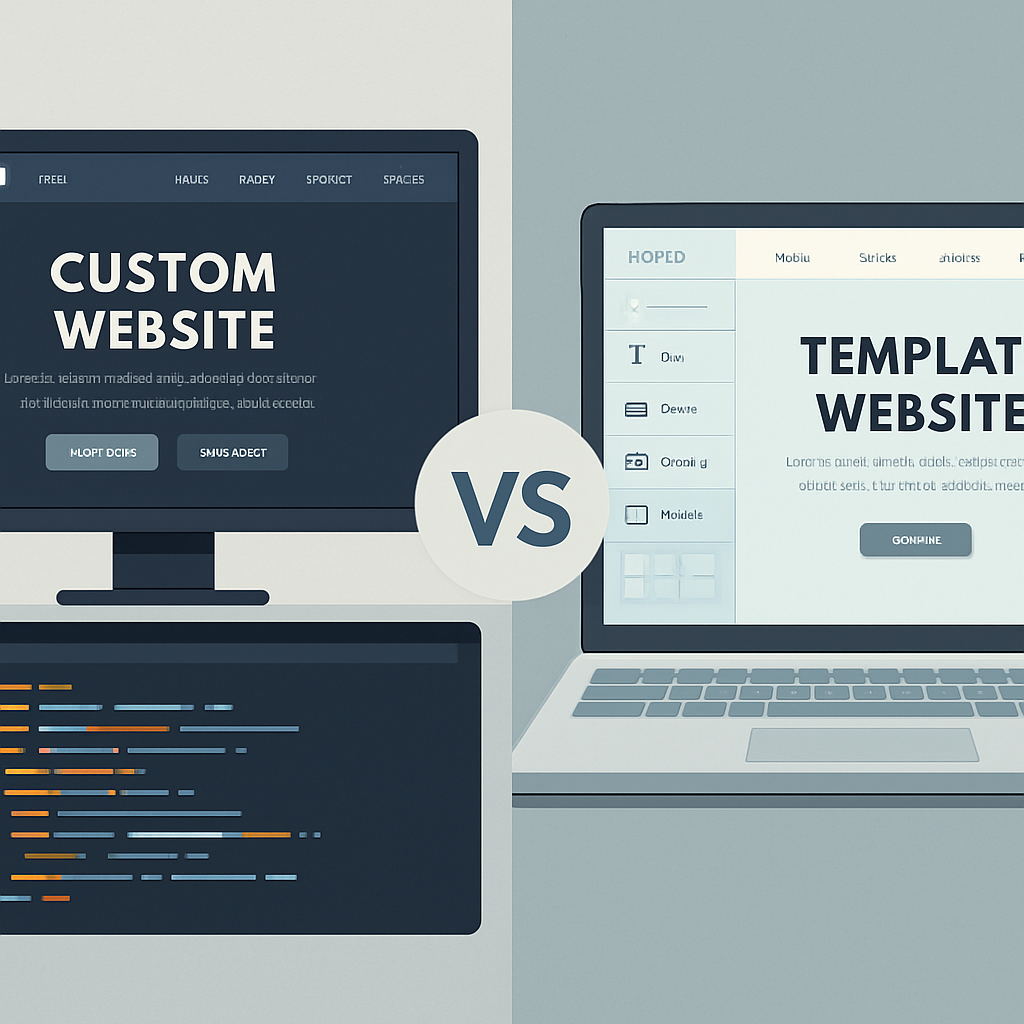
If you’re launching or revamping your business website in 2025, one question looms large: Should you go with a custom-built site or use a ready-made template?
It’s not just about budget, it’s about performance, scalability, branding, and long-term growth. So let’s talk straight about what works in 2025’s digital world, especially when you're investing in
professional website design and development services or partnering with a seasoned web design and development agency.
What Is a Template Website?
Template websites are pre-built designs you can customize with your content. Platforms like Wix, Squarespace, WordPress themes, and Shopify templates dominate this space.
They’re designed to help non-developers go live quickly, often with drag-and-drop functionality, minimal coding, and affordable monthly subscriptions. It's like buying a pre-furnished apartment: you move in fast, but it might not fit your exact style or long-term plans.
Why Templates Work (Sometimes)
Let’s give templates some credit; they’re not useless by any means.
- Speed: You can go from zero to online in a weekend.
- Affordability: Some templates are free or cost under $100.
- User-Friendly: Ideal for non-tech-savvy folks or solopreneurs.
- All-in-One Packages: Hosting, CMS, design—all bundled.
Templates shine if you’re launching a blog, portfolio, or minimal website with simple goals and a tight timeline.
They also make sense if you’re testing a new business idea before investing in web design and
website development services long-term.
There Are a Couple of Drawbacks…
But let’s be real, templates come with strings attached:
- Generic Design: Thousands of others may be using the same layout.
- Limited Flexibility: You’ll eventually hit a wall if you try to scale or customize deeply.
- Poor SEO Performance: Many templates are bloated with code, load slowly, and fail Core Web Vitals tests, hurting your Google rankings.
- Security Risks: Popular templates often use third-party plugins that require constant updates, increasing vulnerability.
- Hidden Costs: Want to remove branding, integrate more tools, or expand features? That often requires paid upgrades or hiring developers later anyway.
What Makes a Website Truly “Custom”?
A custom website is built from scratch by a
professional web design and development agency or expert freelancer using modern frameworks and tailored strategies.
- Designed for your brand—no one else has your layout, color scheme, or UX flow.
- Built for performance—fast, responsive, and SEO-optimized from day one.
- Scalable architecture—ready for future features like member portals, booking systems, CRMs, eCommerce, and more.
- Code ownership—you control how your website evolves, with no lock-ins.
It’s like building your own house, you design every inch, knowing it’s made to fit your lifestyle now and in the future.
Why Custom Websites Are Better for 2025
If 2024 was the year of AI integrations, 2025 is the year of digital distinctiveness. That means businesses need to stand out, load fast, and deliver exceptional experiences across devices and platforms.
Here’s why custom websites are dominating:
Google Loves Speed + Originality.
Custom-coded sites load faster, pass SEO audits, and are easier to index. 91% of marketing leaders said their website is their company’s most valuable digital asset in 2025.
Better User Experience (UX)
Custom layouts can lead to a 200% improvement in conversions when properly optimized for UX and mobile-first experiences.
Ready for Voice Search and AI Tools
According to
White Peak Digital, in 2025, nearly 60% of search queries will be voice-activated. That means your site structure and schema markup need to support conversational search.
Future-Proofing
When you work with a web design and development agency, your site is built to scale with your business, not hold it back.
Secure by Design
Custom sites are less reliant on third-party plugins, reducing the risks of data breaches and downtime.
The Trade-Offs
Let’s not sugarcoat it, custom websites do have a steeper entry point.
- Cost: Custom websites usually start around $10,000 and can go beyond $50,000 depending on scope.
- Timeline: A custom site can take 4–12 weeks from planning to deployment.
- Requires Expertise: You’ll need to collaborate with a professional web design and development agency or hire reliable developers.
- But here’s the upside: you own the code, avoid hidden fees, and gain full control.
Custom vs. Template: 2025 Comparison Table
| Feature |
Template Website |
Custom Website |
| Initial Cost |
$500–$5,000 |
$10,000–$50,000+ |
| Launch Time |
Days to weeks |
4–12 weeks |
| SEO & Performance |
Limited |
Fully optimized |
| Security |
Plugin dependent |
Built-in protection |
| Scalability |
Hard to expand |
Easily extensible |
| Brand Identity |
Generic |
Fully unique and branded |
| Support |
DIY or third-party |
Dedicated agency support |
Real Examples, Real Advice
Use a Template if you’re:
- Launching an MVP, blog, or one-page site.
- Working with a very limited budget.
- Okay with using a pre-made brand identity and layout.
Go Custom if you:
- Are you scaling your business, or already have a digital audience?
- Care deeply about SEO, performance, and branding.
- Need advanced functionality like booking, e-commerce, or CRM integration.
- Want to partner with a web design and development agency for long-term growth.
Conclusion
If you’re building for longevity, flexibility, and growth, Custom is the way to go. It’s not just about looking good. It’s about being found online, keeping visitors engaged, and converting them into customers.
Templates serve their purpose, but they’re short-term solutions.
Your website is your digital storefront. Don’t rent it, own it.
So, suppose you’re serious about investing in high-converting, scalable online platforms. In that case, it’s time to look into
professional website design services and team up with a top-rated web design and development agency that can bring your vision to life.