

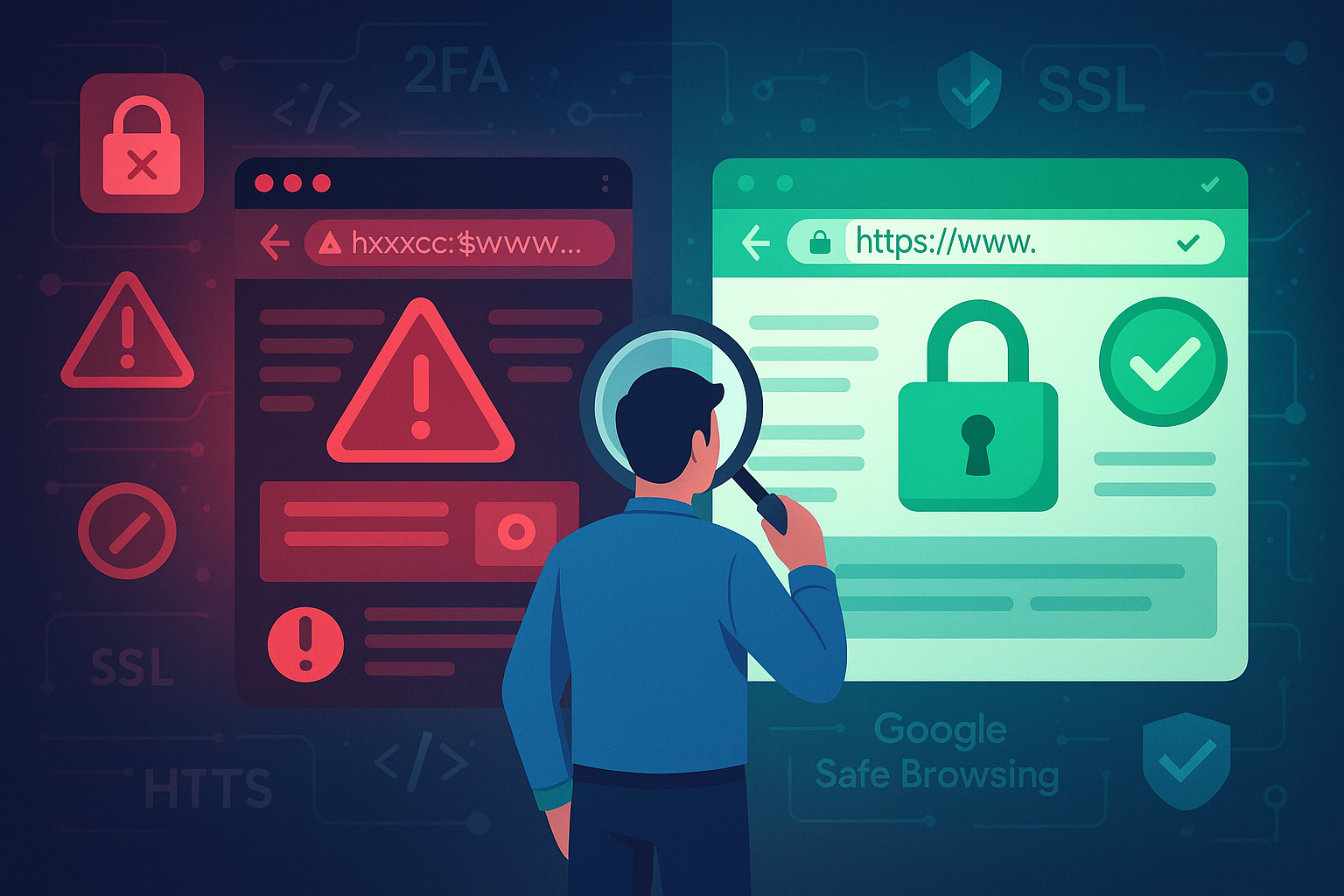
Is This Website Legit? Here’s How to Tell If a Site Is Actually Safe
In today's digital age, online scams are not just common—they're sophisticated. From fake storefronts to phishing portals, the internet is filled with websites that look convincing but are built to deceive. Whether you're shopping, logging into a client portal, or running a business, knowing how to spot the difference between a real site and a scam can save you money, time, and stress.
At The Web Unity, we don't just focus on quality products—we put just as much care into digital safety. Whether you're working with a design and development company or managing your site solo, online security needs to be baked into every click and interaction. But the real question is: how do you know if a site is safe to use?
Let's walk through it.
Why Security Isn't Optional Anymore
Websites today carry everything from credit card info to business files and customer data. One breach can lead to:- Financial loss
- Stolen identities
- Damaged brand credibility
- Legal headaches
Simple Ways to Spot a Secure Website
You don't need to be tech-savvy to run a quick security check. Here's what anyone can look for:-
Check for HTTPS
- A padlock icon near the address bar
- The absence of warnings when accessing the site
-
Watch for Typos in the URL
- Subtle misspellings (think "amaz0n" instead of "amazon")
- Long or strange subdomains like "login.amazon.checkout.verify.scamdomain.com"
-
Look for Real Contact Details
- A working phone number
- A customer support email
- A physical office address
- Social media links that actually work
-
Reviews and Ratings Tell a Story
Red Flags You Might Overlook
Some scam websites go beyond the obvious. These subtler cues often get missed:-
Sloppy Design or Dead Links
- Use blurry or copied images
- Have links that don't work
- Display generic or outdated content
-
Suspicious Pop-ups or Forced Redirects
-
Unusual Payment Methods
- Crypto payments
- Gift cards
- Wire transfers
Running Your Own Site? Make Sure It's Bulletproof
Spotting shady sites is only half the battle. If you're running a business, keeping your own site secure is critical. Here's how to tighten the bolts:-
Use Google's Safe Browsing Tool
-
Monitor Google Search Console
- Hacking attempts
- Injected spam content
- Malware and phishing reports
-
Schedule a Full Security Audit
- Outdated software
- Weak login protections
- SQL injection vulnerabilities
- Broken security headers
Security Is Ongoing, Not One-and-Done
Cybersecurity isn't just about doing a quick sweep once a year. It's about adopting habits that keep threats at bay. Here's what that looks like:-
Stay on HTTPS
-
Choose a Secure Host
- Firewalls
- Daily backups
- DDoS protection
- Auto-security patching
-
Keep Everything Updated
-
Set Up Two-Factor Authentication (2FA)
- Admin accounts
- User logins
- Checkout pages
-
Backup Like a Pro
- Website content
- Databases
- Settings and configs
Don't Ignore Domain Security
Domain control is part of web safety, yet it's often ignored. Here's what to lock down:- Enable domain locking to prevent unauthorized transfers
- Renew early so squatters can't grab your name
- Keep your contact info accurate and use WHOIS privacy
Conclusion
Knowing how to spot a scam site can save your identity, your business, and your hard-earned money. Even more important, knowing how to build a secure site protects your users and your reputation. At The Web Unity, we take a proactive approach by blending powerful tech with common-sense practices. That includes:- SSL implementation
- Frequent updates
- Ongoing monitoring
- Expert technical support
- And partnerships with reliable design and development company teams