

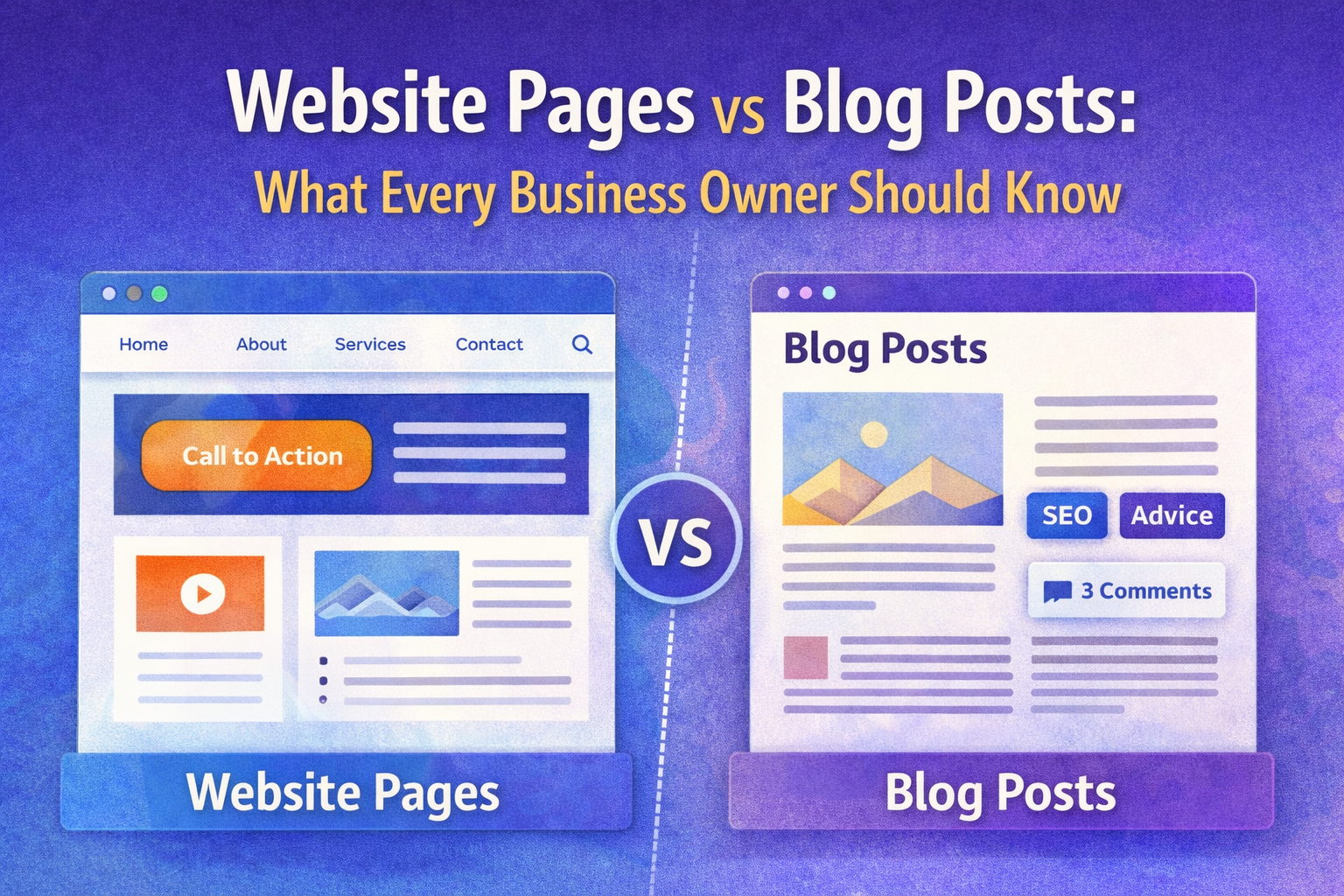
Website Pages Are Not the Same as Blog Posts: What Every Business Owner Should Know
When building or redesigning a website, one common misconception is that all website content is the same. Many business owners believe that a blog post and a website page serve identical purposes, but in reality, they are completely different. Website pages are built for structure, navigation, and conversion. Blog posts, on the other hand, are created for education, SEO, and content marketing.
This distinction is crucial, especially if you want to grow your digital presence or work with professional website design and development services. Even the best website design companies highlight the importance of having a strong foundation of core pages before publishing any blog content.
A recent digital behavior study found that websites with organized pages and a clean navigation experience have up to 35% higher engagement rates compared to those that rely heavily on blog posts for structure.
Below is a clear breakdown of the website pages every business needs, and which ones are optional depending on your goals.
6 Core Pages Every Website Should Have
These are the non-negotiables. Whether you run a personal brand, agency, eCommerce store, or portfolio, these six pages form the backbone of your entire online presence.1. Homepage
Your homepage is your digital storefront. It tells visitors who you are, what you offer, and why they should stay. A great homepage includes:- A strong headline
- Clear value proposition
- Primary call-to-action
- Short overview of services
- Navigation that guides users logically
2. About Page
The About Page is where trust begins. It introduces your story, mission, team, and brand values. Customers want to know who they’re dealing with, and this page answers that before they even reach out. Professional website design and development services often use the About Page to humanize brands and connect emotionally with audiences.3. Contact Page
This page removes friction and makes communication effortless. It should include:- Contact form
- Email and phone number
- Office location (if applicable)
- Social links
4. Legal Page(s)
Every legitimate website must include essential legal documentation:- Terms and Conditions
- Privacy Policy
- Disclaimer
- Cookies Policy
5. Error 404 Page
A customized 404 page helps redirect visitors who land on a broken or outdated link. Instead of losing them, you can:- Add a search bar
- Provide redirect buttons
- Suggest popular pages
6. Sitemap Page
A sitemap is like a master index of all pages on your website. It helps:- Search engines crawl your site
- Visitors find specific pages quickly
5 Optional Website Pages Based on Your Needs
Once your core structure is ready, you can add more pages depending on your business model, goals, and audience.1. Online Store Page
If you sell products, digital downloads, or subscriptions, an online store page becomes essential. It includes:- Product listings
- Categories
- Shopping cart
- Checkout
2. Products or Services Page
This page breaks down what you offer. You can create:- A single services page
- Individual service detail pages
- Product specification pages
3. Blog Page
This is NOT a replacement for your core website pages. Instead, the blog page is where you publish:- Tutorials
- Guides
- Industry insights
- News
10. Portfolio Page
Ideal for designers, agencies, freelancers, and service-based brands, this page showcases:- Past projects
- Case studies
- Client testimonials
- Before-and-after examples
11. Why Us Page
Sometimes called the "Value Proposition" page, this section explains:- Why customers should choose you
- What differentiates your brand
- Your competitive advantages
- Awards
- Certifications
- Social proof
- Industry experience